Reports
Generate financial reports to understand your business performance and financial position.
Reports
Libro generates financial reports from your posted entries. Only posted and final entries are included in reports. Draft and cancelled entries are excluded.
The reports available to you depend on your company’s bookkeeping method.
Reports by bookkeeping method
Double-entry companies
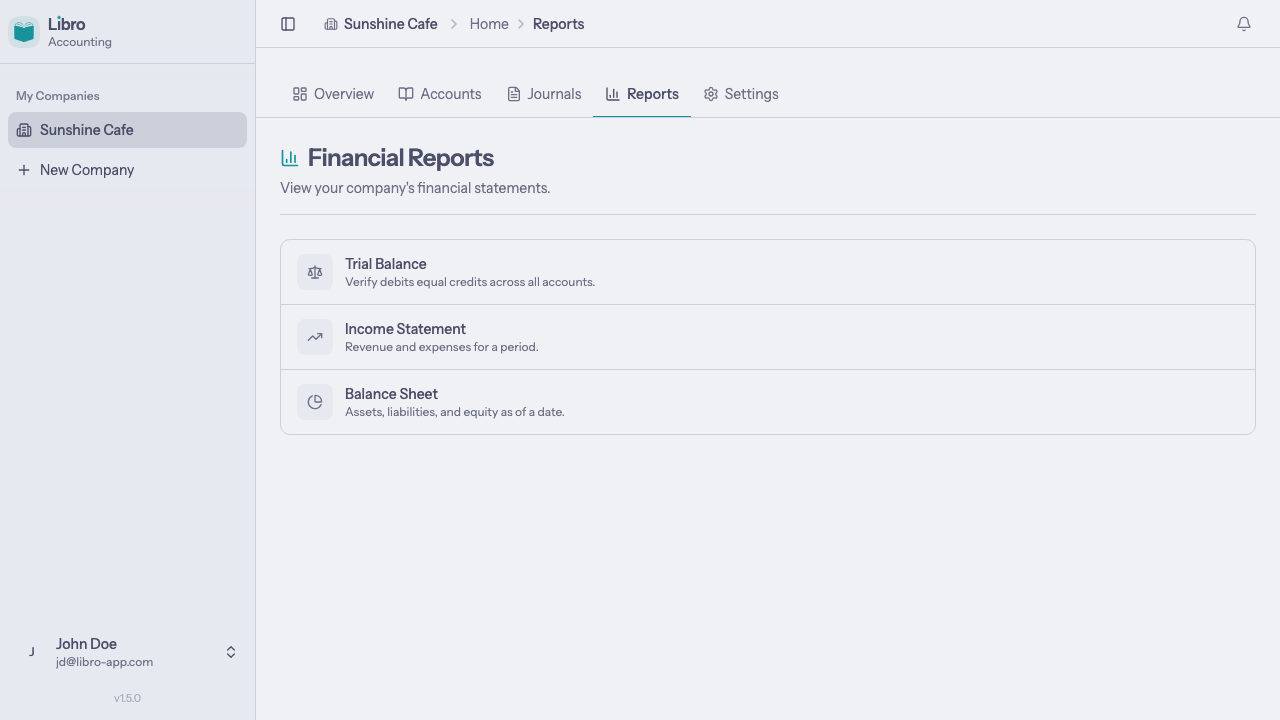
Double-entry companies get three reports:
- Trial Balance — verify debits equal credits across all accounts
- Income Statement — revenue and expenses for a period
- Balance Sheet — assets, liabilities, and equity as of a date

Single-entry companies
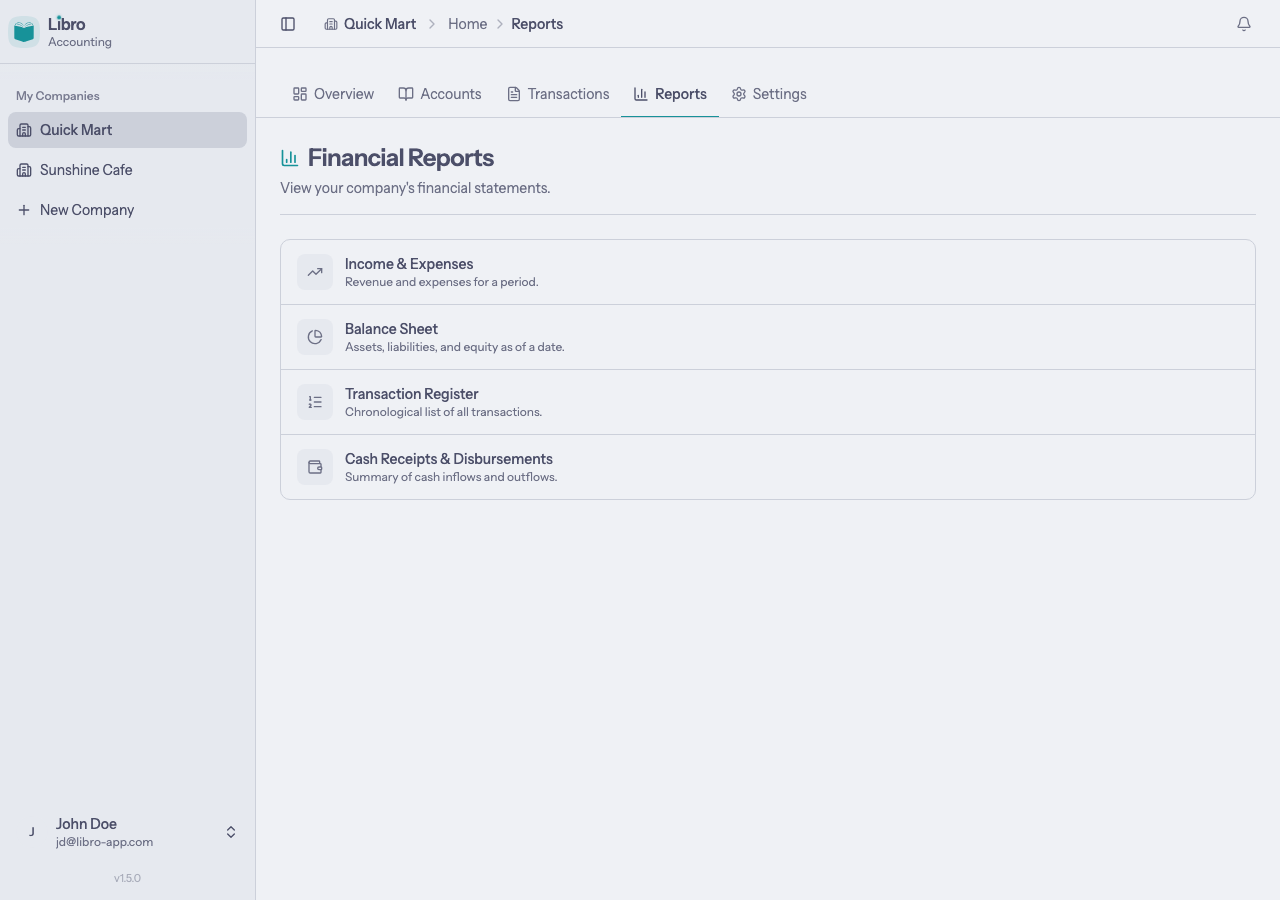
Single-entry companies get four reports:
- Income & Expenses — revenue and expenses for a period
- Balance Sheet — assets, liabilities, and equity as of a date
- Transaction Register — chronological list of all transactions
- Cash Receipts & Disbursements — summary of cash inflows and outflows

Trial Balance
Double-entry only.
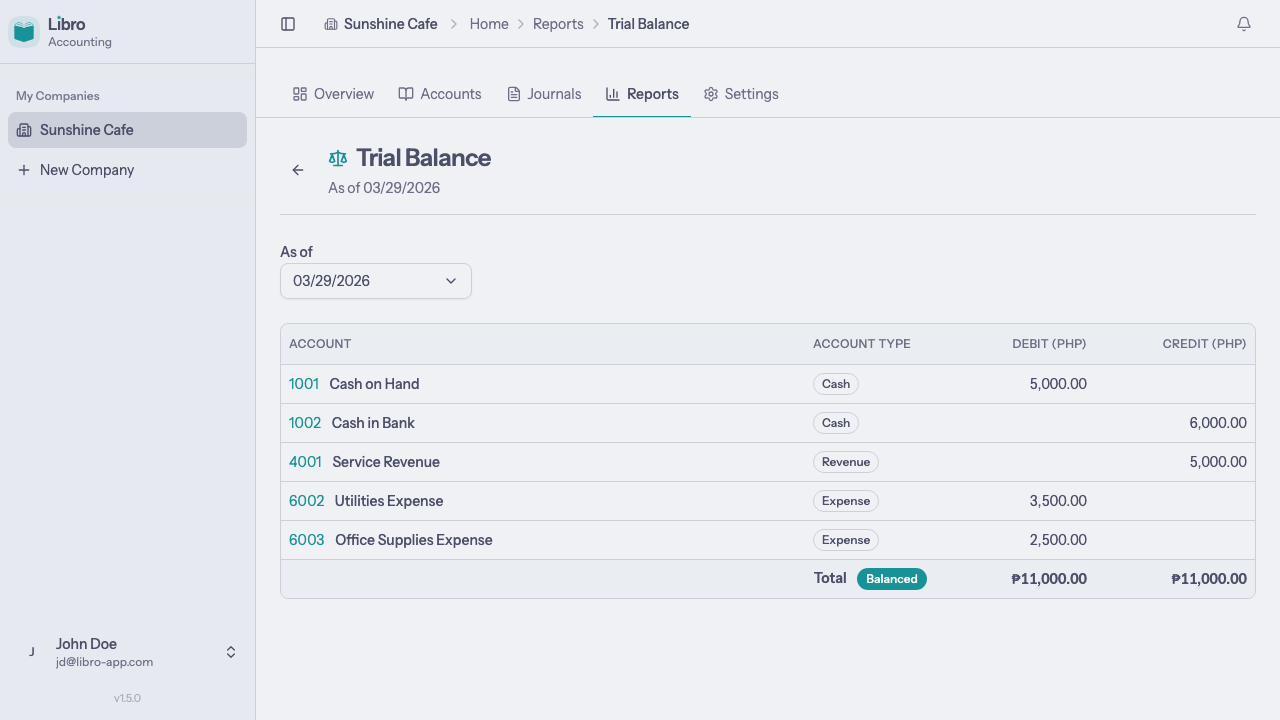
The trial balance verifies that your books are in balance by listing every account with its total debits and credits. If your entries are correct, total debits will equal total credits.

Columns
| Column | Description |
|---|---|
| Account | Account code and name |
| Account Type | The account’s classification (Cash, Revenue, Expense, etc.) |
| Debit | Total debits for the account |
| Credit | Total credits for the account |
Filtering by date
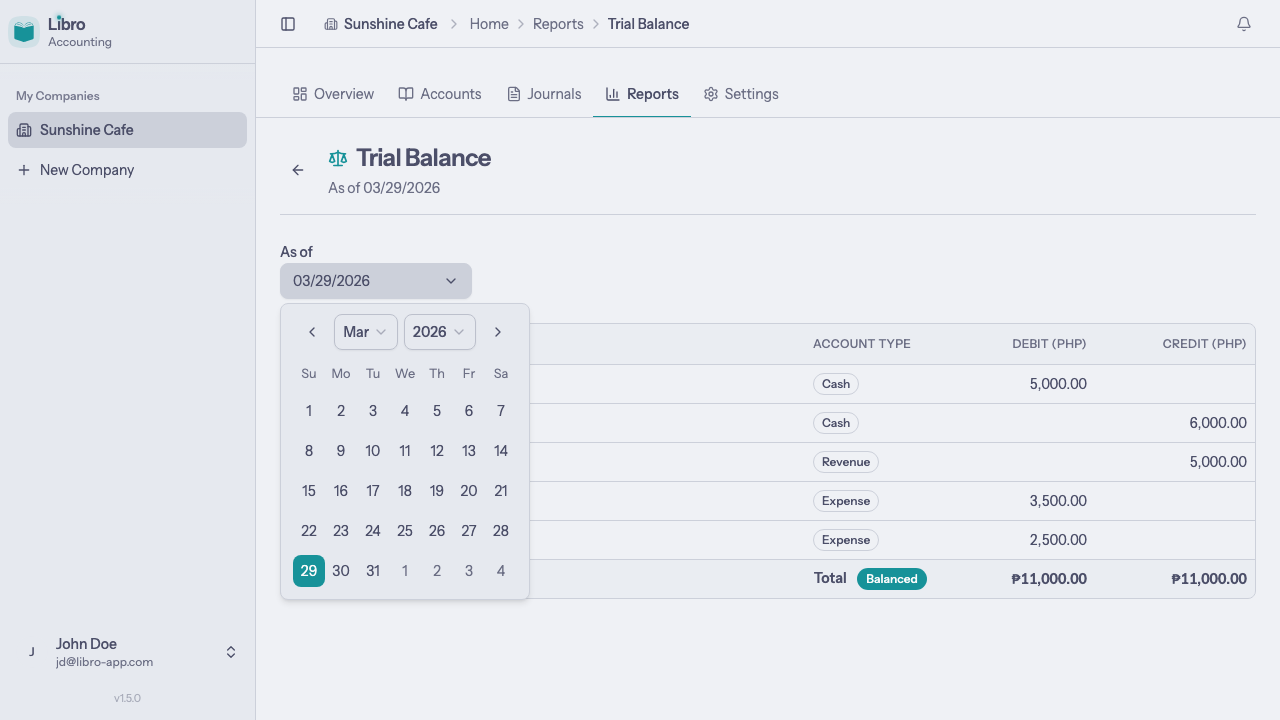
Use the As of date picker to generate the trial balance as of a specific date. Only entries on or before that date are included.

Balanced vs. unbalanced
The footer row shows grand totals. A Balanced badge appears when total debits equal total credits. If they don’t match, an Unbalanced badge appears with the difference.
Income Statement
Called “Income & Expenses” for single-entry companies.
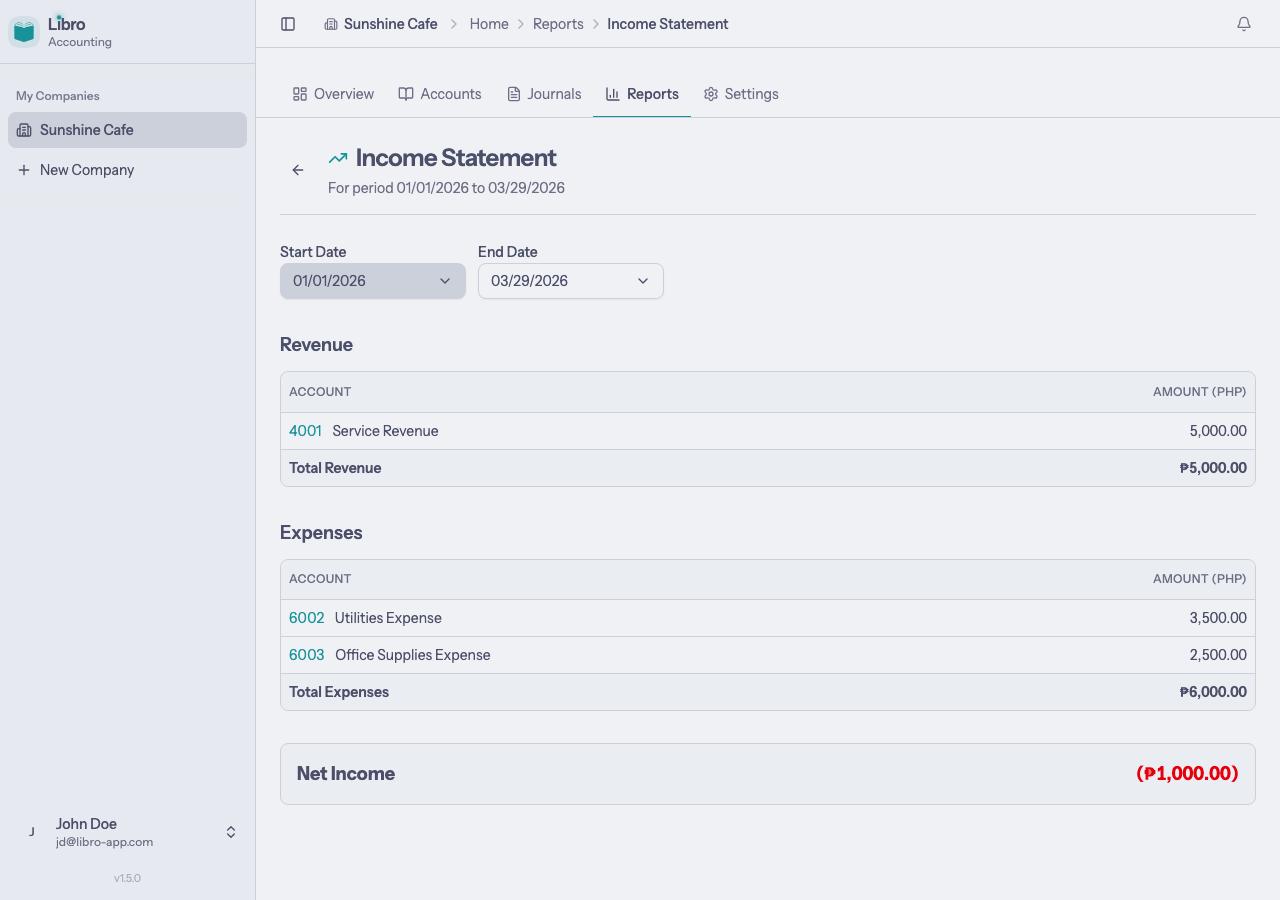
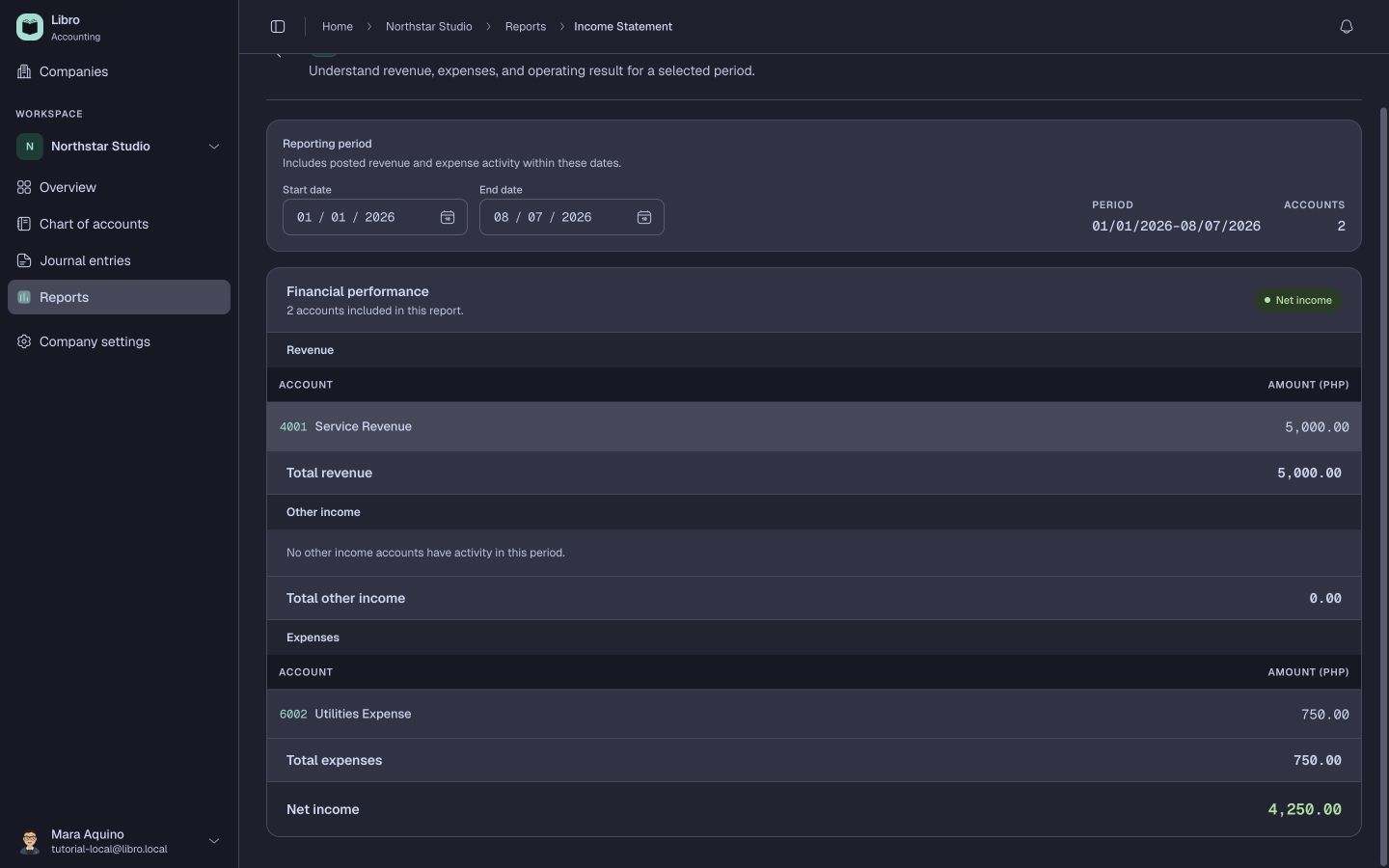
The income statement shows your revenue and expenses over a period, resulting in your net income.

Sections
The report is divided into sections:
- Revenue lists all revenue accounts and their totals, with a subtotal row
- Other Income (if applicable) lists non-operating income like interest or gains
- Expenses lists all expense accounts and their totals, with a subtotal row
- Net Income is calculated as total revenue + other income - total expenses
Net income is displayed in green when positive and red when negative.
Filtering by period
Use the Start Date and End Date pickers to set the reporting period. The default range is January 1 of the current year through today (year-to-date).
Clickable accounts
Account names link to their account detail pages where you can see the full ledger.
Balance Sheet
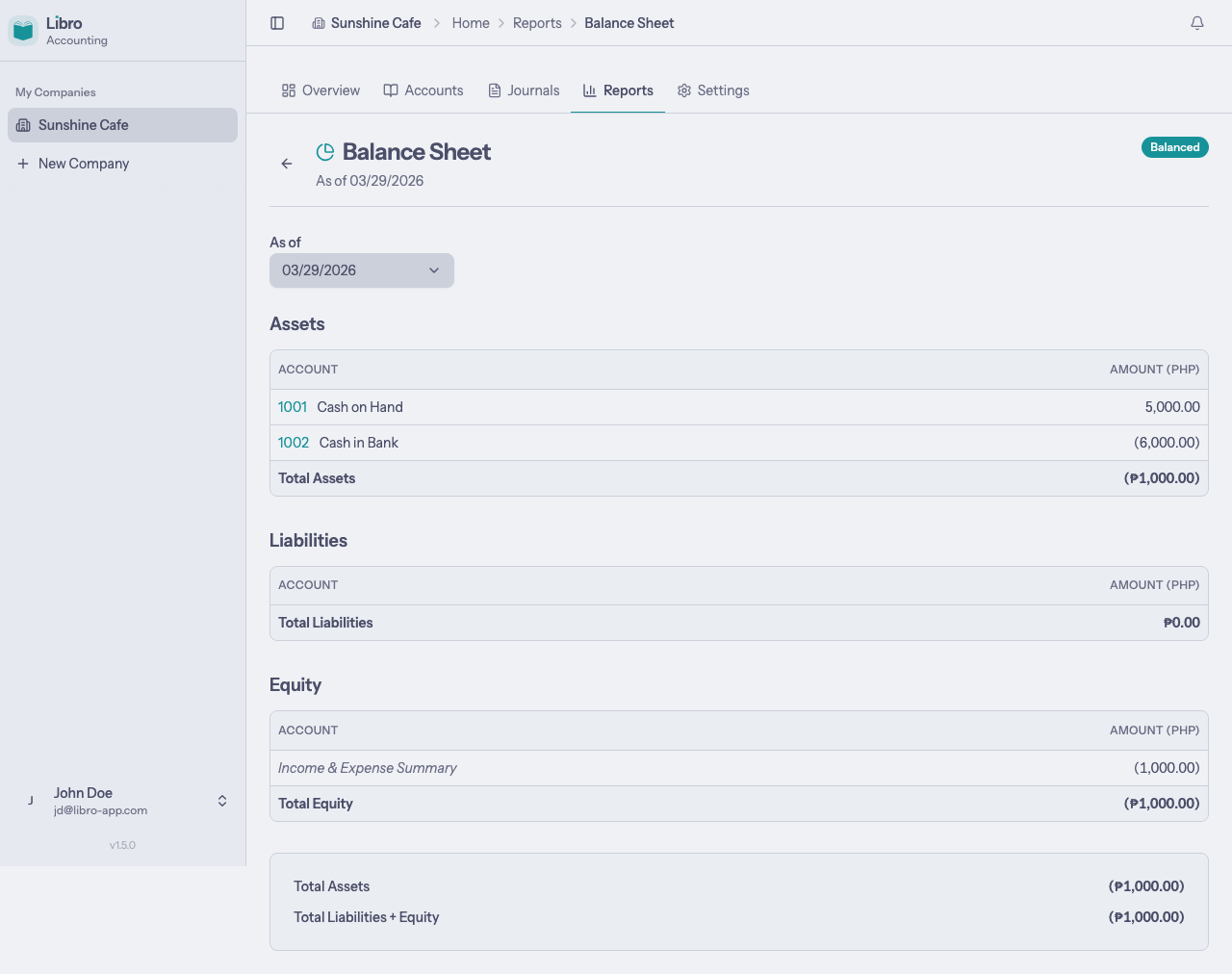
The balance sheet shows your company’s financial position at a specific point in time: what you own (assets), what you owe (liabilities), and the residual value (equity).

Sections
The report is divided into three sections:
- Assets grouped by type (Cash, Current Assets, Noncurrent Assets) with a total
- Liabilities grouped by type (Current, Noncurrent) with a total
- Equity including an Income & Expense Summary line (retained earnings from your income statement) with a total
The footer shows Total Assets and Total Liabilities + Equity. A Balanced badge appears when these two figures match.
Filtering by date
Use the As of date picker to generate the balance sheet as of a specific date.
The accounting equation
The balance sheet follows the fundamental accounting equation:
Assets = Liabilities + Equity If your entries are properly balanced, the balance sheet will always be balanced too. An unbalanced balance sheet indicates an issue with your entries.
Transaction Register
Single-entry only.
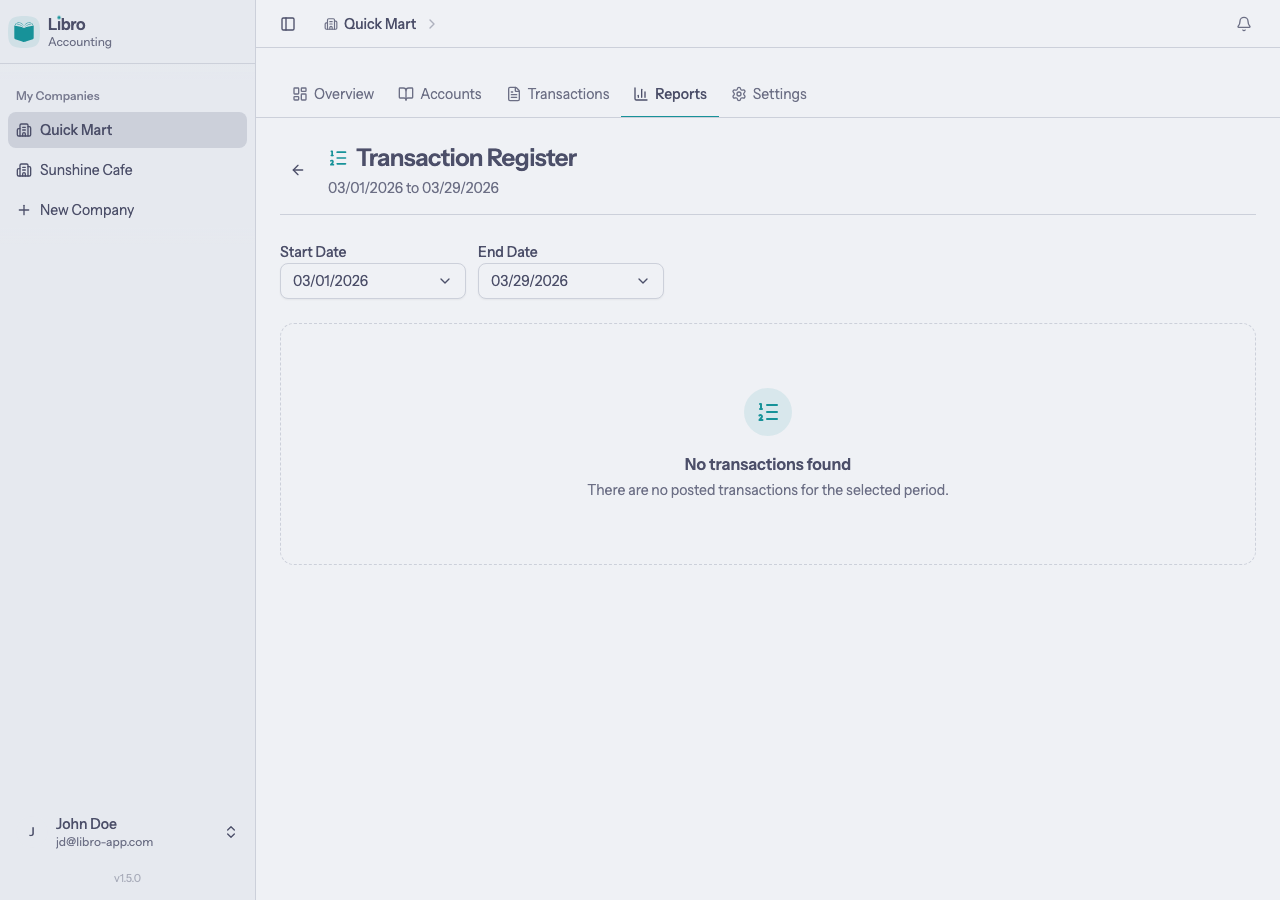
The transaction register is a chronological list of all posted transactions, showing how each one affects your cash balance.

Columns
| Column | Description |
|---|---|
| Date | When the transaction occurred |
| Description | What the transaction was for (links to the entry) |
| Reference | Optional external reference (invoice number, receipt, etc.) |
| Account | The account code and name |
| Cash In | Amount received |
| Cash Out | Amount paid out |
| Net Cash Flow | Running cash balance after each transaction |
Filtering by period
Use the Start Date and End Date pickers to set the date range. The default range is the first day of the current month through today.
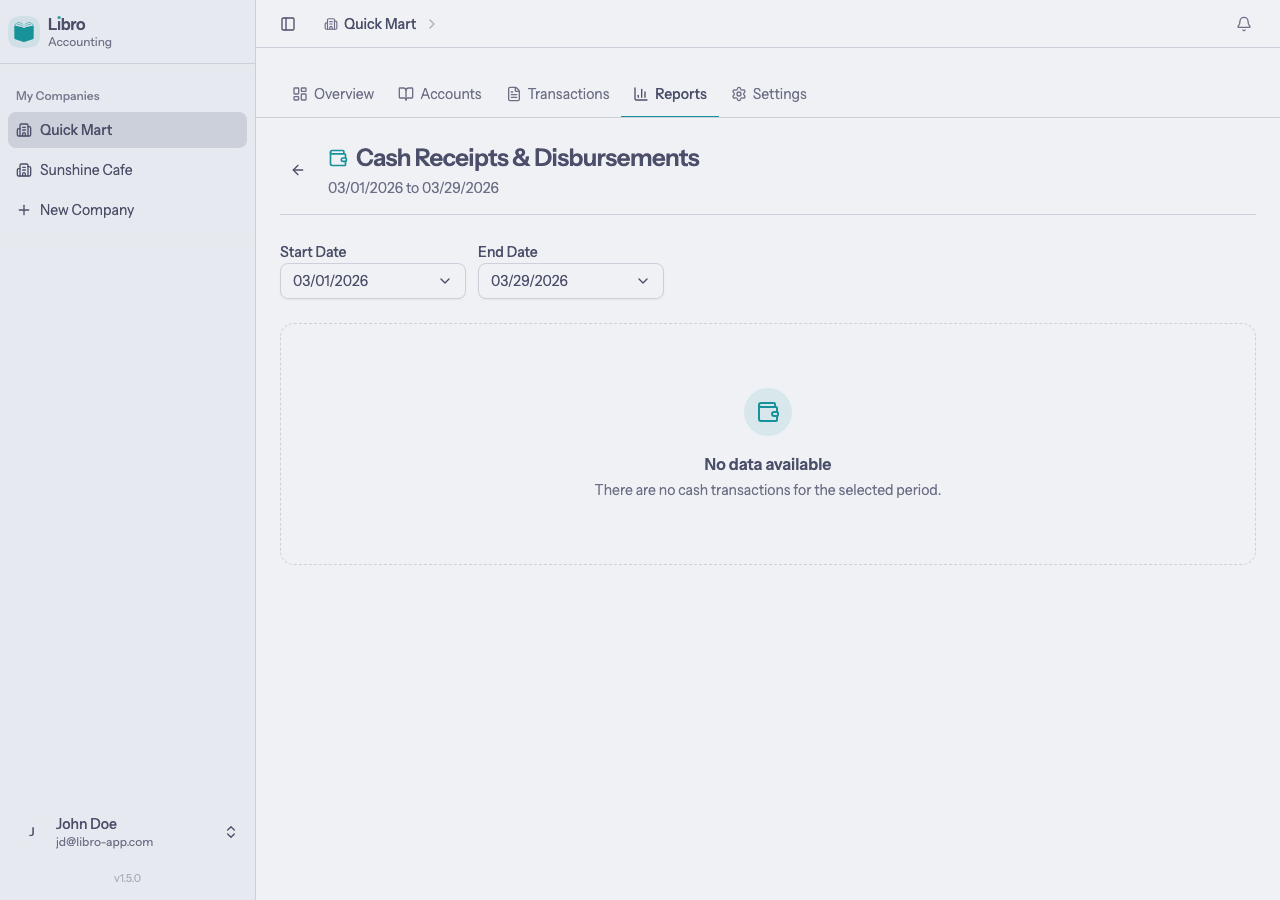
Cash Receipts & Disbursements
Single-entry only.
This report summarizes your cash inflows (receipts) and outflows (disbursements) by account for a given period.

Sections
The report has two sections plus a summary:
- Receipts lists accounts with incoming cash and their totals
- Disbursements lists accounts with outgoing cash and their totals
- Net Cash is calculated as total receipts - total disbursements
Net cash is displayed in green when positive and red when negative.
Filtering by period
Use the Start Date and End Date pickers to set the date range. The default range is the first day of the current month through today.
Tips
- Post entries before checking reports. Only posted and final entries appear in reports. Draft and cancelled entries are excluded.
- Use the trial balance first (double-entry). If your trial balance is balanced, your income statement and balance sheet should be too.
- Check reports regularly. Reviewing reports after posting entries helps catch mistakes early.
- Click account names on any report to jump to the account’s ledger and see the individual transactions behind each number.