Manage Libro · 5 min
Secure your account
Protect your password, respond to new-device notices, and control active sessions.
Before you start
Use a trusted device and make sure you control the account email. If you suspect compromise, prioritize changing the password and ending unfamiliar sessions before resuming bookkeeping.
Review account access
- Open the account menu and choose Security.
- Review the email and password controls and change a reused, exposed, or shared password.
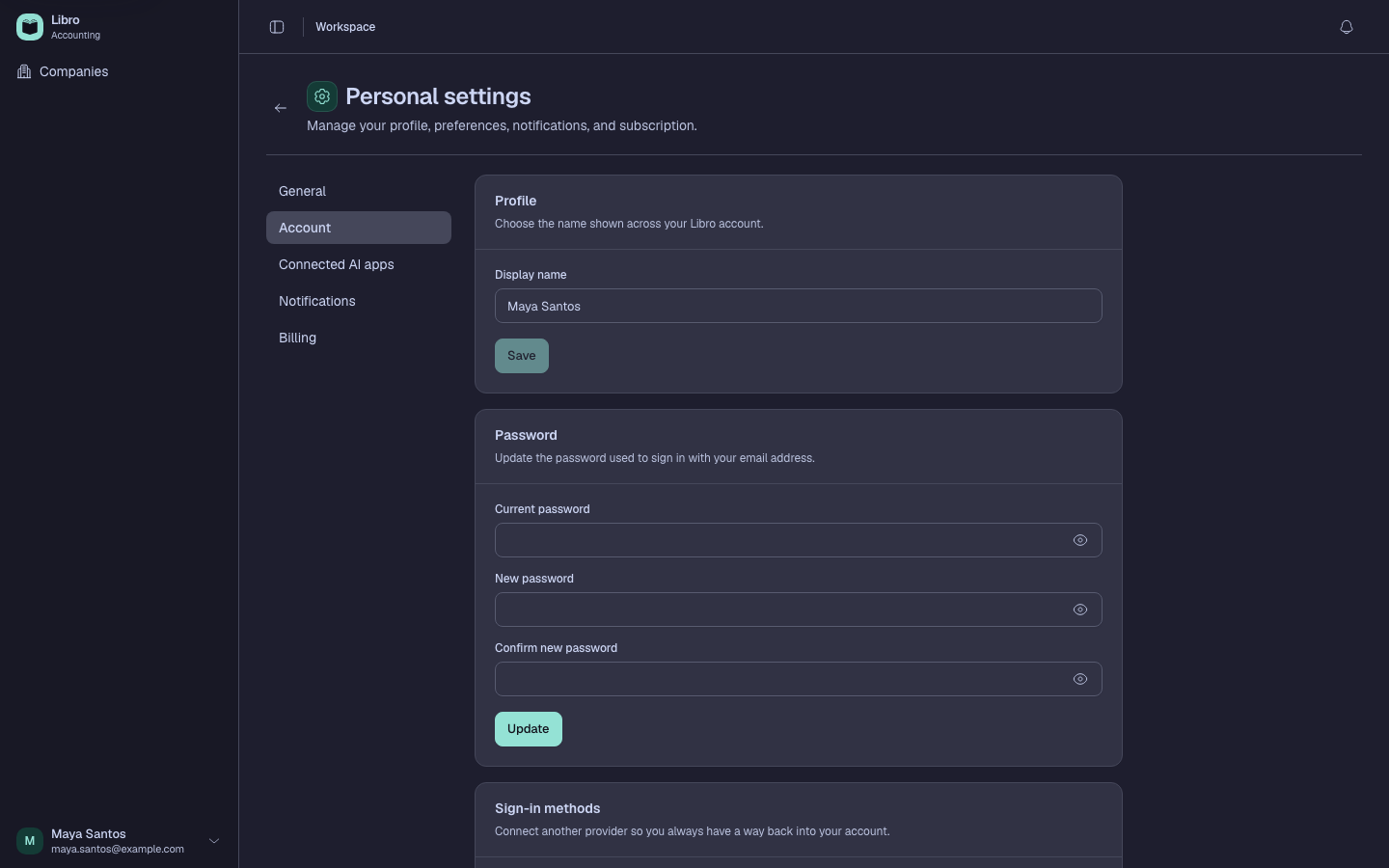
- Review active sessions by browser, device, location context, and last activity.
- End any session you no longer use or recognize; signing out of one browser does not necessarily end the others.
- Treat an unexpected new-device notification as a prompt to change the password and review all sessions.
- Open Connected AI apps and revoke grants tied to a lost or untrusted device or client.
- Invite teammates with their own accounts instead of sharing credentials.
Check your work
Only recognized sessions and connected apps should remain. Sign in again with the new password and confirm old credentials no longer work.
Common mistakes
- Sending a password, reset link, session token, or verification code to a teammate.
- Ending only the current browser during a compromise.
- Ignoring a new-device notice because the company data still looks unchanged.