Record business activity · 8 min
Run association and cooperative books
Set up member records, entity terminology, transactions, and reports for member-based organizations.
Before you start
Confirm whether the organization is an association or cooperative, its registered identity, bookkeeping method, VAT status, member register, and the terminology required for its formal reports.
Configure member-based books
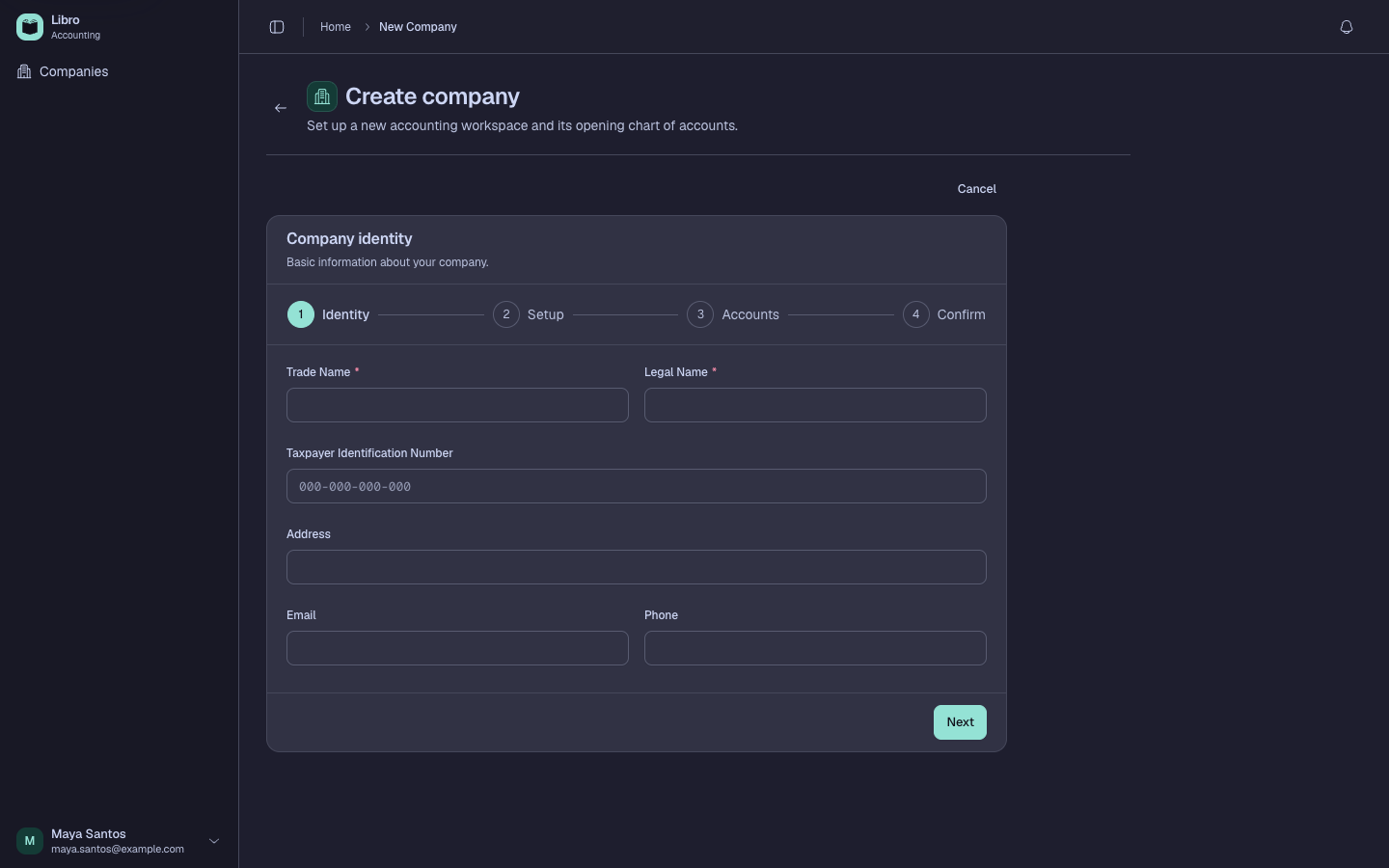
- Create the company and select Association or Cooperative as the legal structure.
- Review the generated chart for fund balance or cooperative equity accounts and the current-period result account appropriate to the entity.
- Open Members, then add each person with a unique member number, name, TIN when available, and membership date.
- Import a member spreadsheet only after validating required columns and duplicate member numbers.
- Select the member on supported receipts, disbursements, sales, purchases, or journal allocations so activity reaches the member ledger.
- Open the member ledger and trace opening amounts, charges, collections, payments, and running balances.
- Review reports using the entity-aware terminology: associations use revenue, expenses, excess or deficiency, and fund balance; cooperatives use the cooperative accounts generated during setup.
Check your work
Member-ledger totals should reconcile with the corresponding General Ledger control accounts, and formal reports should use terminology that matches the selected legal structure.
Common mistakes
- Adding collaborators under Members; workspace access belongs in Company settings → Members.
- Choosing corporation and trying to rename equity accounts later to imitate association reporting.
- Recording member activity without selecting the member, which breaks the entity ledger trail.