Protect or close your data · 4 min
Delete your Libro account
Back up required records and understand what will be permanently removed before closing your account.
Before you start
Deleting the account permanently removes every company you own and its accounting data. Review legal retention, billing, owned and shared companies, connected apps, and collaborator access before beginning.
Permanently close the account
- Open Companies and inventory everything under My companies and Shared with me.
- Export required reports and download a tested backup for every owned company that must be retained.
- Tell collaborators when owned-company access will end and resolve any ownership or handoff permitted by Libro.
- Open Billing to manage an active subscription, then revoke connected AI apps and end unnecessary sessions.
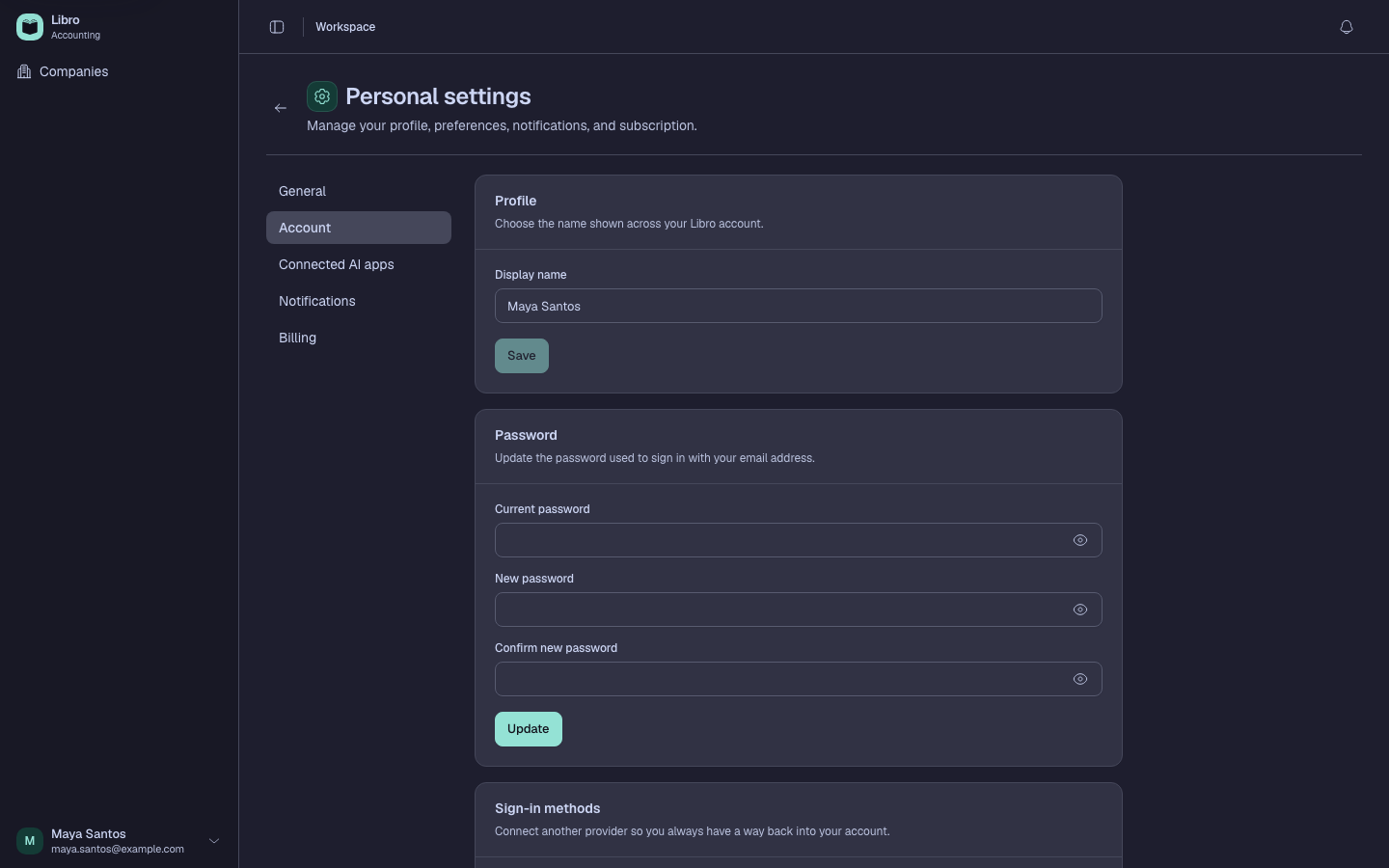
- Open account settings, locate the deletion control, and read the final summary carefully.
- Confirm the displayed email belongs to the account you intend to close and complete the required identity or permanent-action confirmation.
- Submit deletion only when every owned company and retained file has been accounted for.
Check your work
The old credentials should no longer sign in, and owned company URLs should be unavailable. Verify retained backups and exports remain accessible without Libro.
Common mistakes
- Assuming deleting an account satisfies a company’s legal record-retention obligations.
- Forgetting that collaborators lose access to every company the account owns.
- Deleting the account before resolving billing and checking backup files.