Review and share · 5 min
Invite a team and assign roles
Give each collaborator enough access to work without granting unnecessary control.
Before you start
Confirm the collaborator’s exact Libro email and the least-privileged role needed. Company access is separate from customer, supplier, or association/cooperative Member records.
Invite and maintain access
- Open Company settings → Members in the company you intend to share.
- Choose Invite member and enter the collaborator’s exact email.
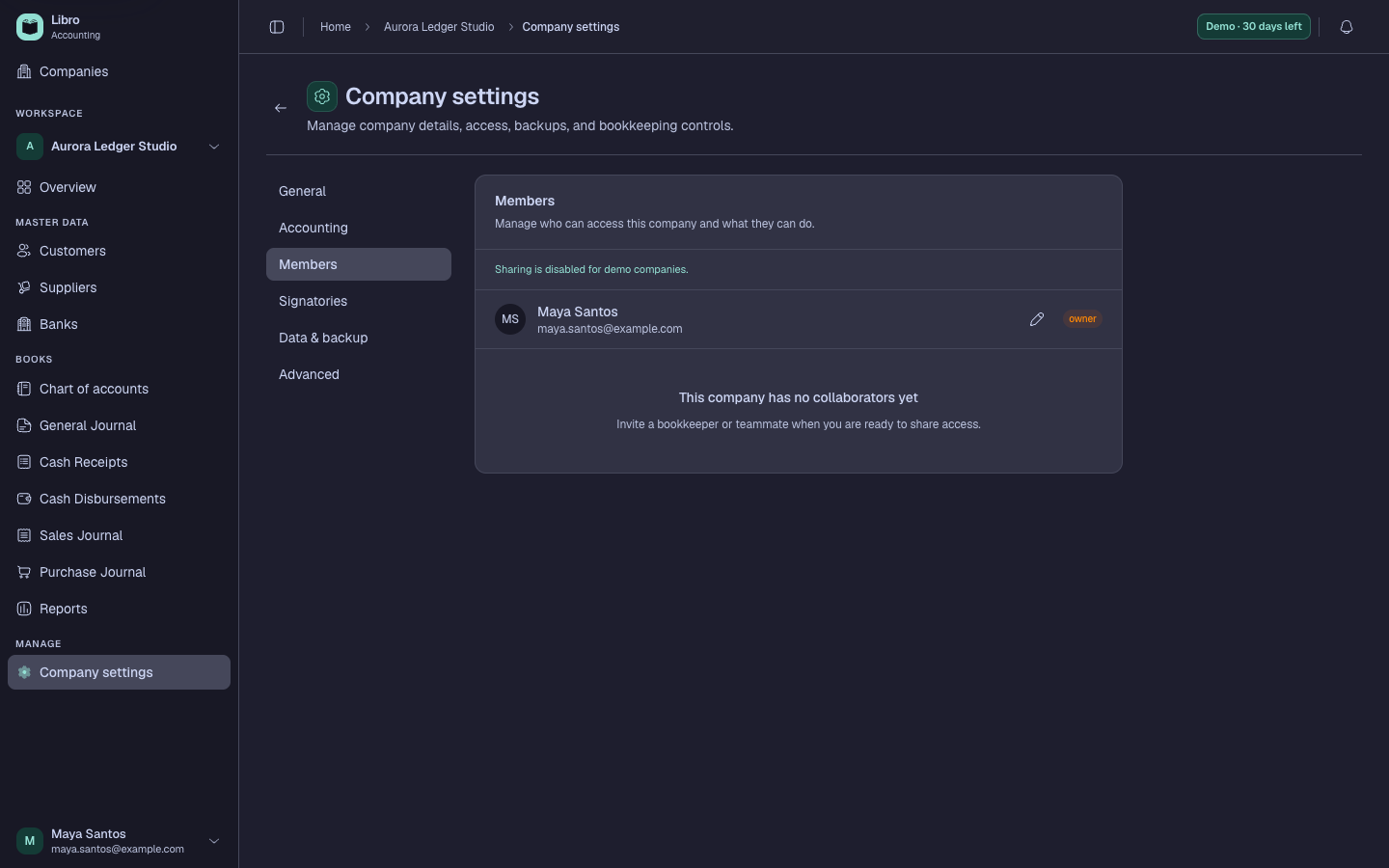
- Select Viewer for read-only access, Editor for bookkeeping work, Admin for broad configuration, or Owner only for ownership control.
- Send the invitation and ask the recipient to accept it with the same email address.
- Return to Members and confirm the invitation changes from pending to an active member.
- Change a role when responsibilities change, using the narrowest level that still supports the work.
- Remove company access when an engagement ends; this does not delete the person’s Libro account or other company access.
Check your work
The active member should appear with the intended role, and a test sign-in should expose only the actions that role permits in that company.
Common mistakes
- Sending an invitation to an email different from the user’s Libro account.
- Granting Admin or Owner merely to solve a missing Editor permission.
- Assuming removing one company membership deletes the person’s account everywhere.