Protect or close your data · 4 min
Delete a company
Prepare and permanently remove a company workspace when retention is no longer required.
Before you start
Confirm the owner has authority to delete the workspace and that legal retention requirements are satisfied. Export required reports, create a fresh backup, resolve invitations, and tell active collaborators when access will end.
Permanently delete the workspace
- Open the company and confirm its name in the workspace switcher and breadcrumb.
- Open Company settings → Advanced and locate the company deletion section.
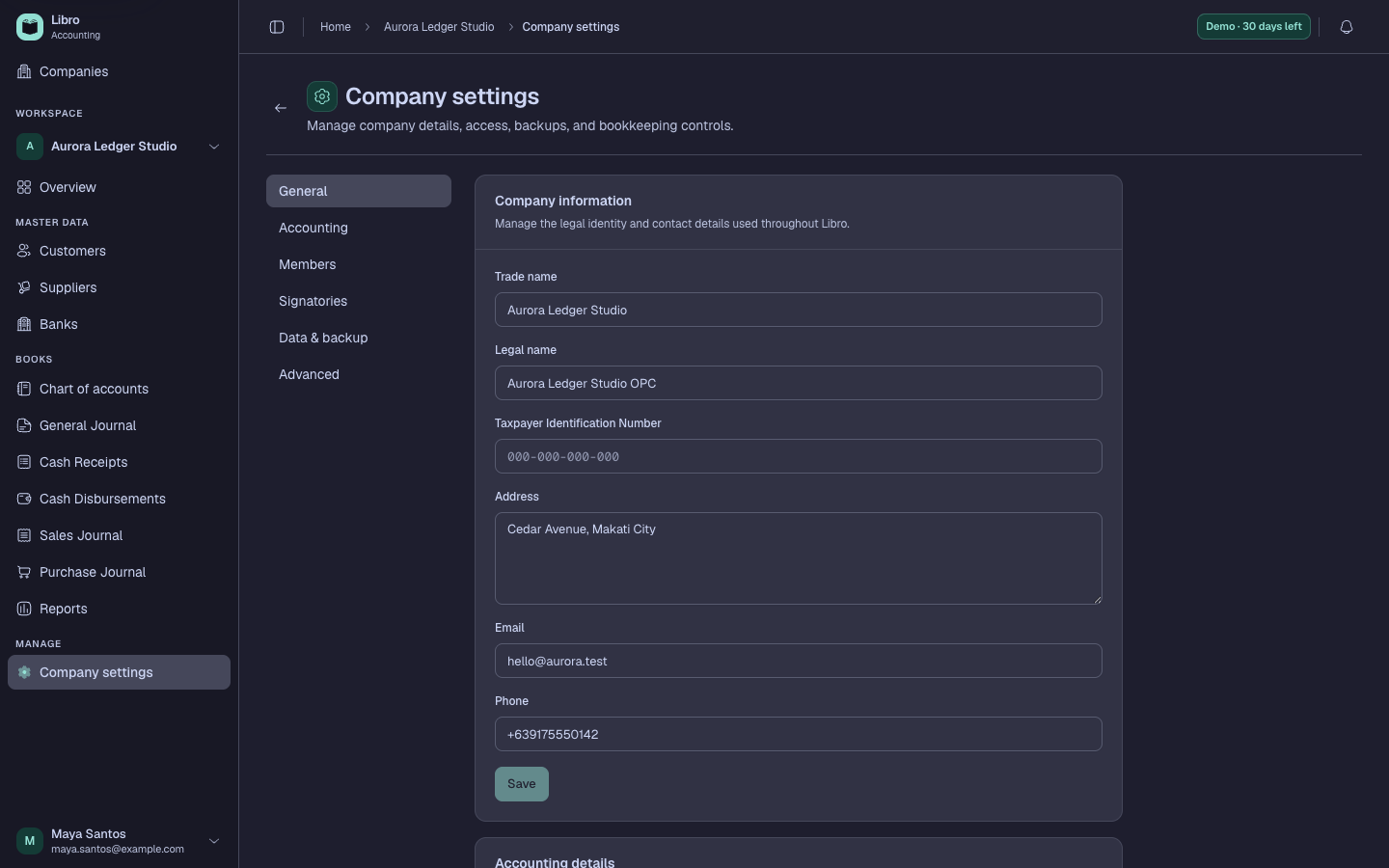
- Read the deletion summary and confirm it names the exact workspace you intend to remove.
- Download the final backup and open it from the storage location to confirm the file exists.
- Complete Libro’s explicit company-name or permanent-action confirmation.
- Submit the deletion only after the confirmation remains specific to the intended company.
- Return to Companies and verify the workspace no longer appears for the owner or collaborators.
Check your work
The company should be absent from the directory and inaccessible from its previous URL. Preserve authorized exports and backups under the required retention policy.
Common mistakes
- Deleting a company to fix one transaction or configuration choice.
- Relying on an untested backup download.
- Confusing deletion with deactivation, cancellation, or removal of one collaborator.