Review and share · 4 min
Export and print reports
Create a workbook or PDF that preserves the reporting context reviewers need.
Before you start
Finish the on-screen review first. Confirm the company, period, currency, report title, totals, signatories, and logo before producing a file that may leave Libro.
Create a review-ready output
- Open the report or journal and set its final date range and filters.
- Compare the visible totals with the reconciliation you intend to share.
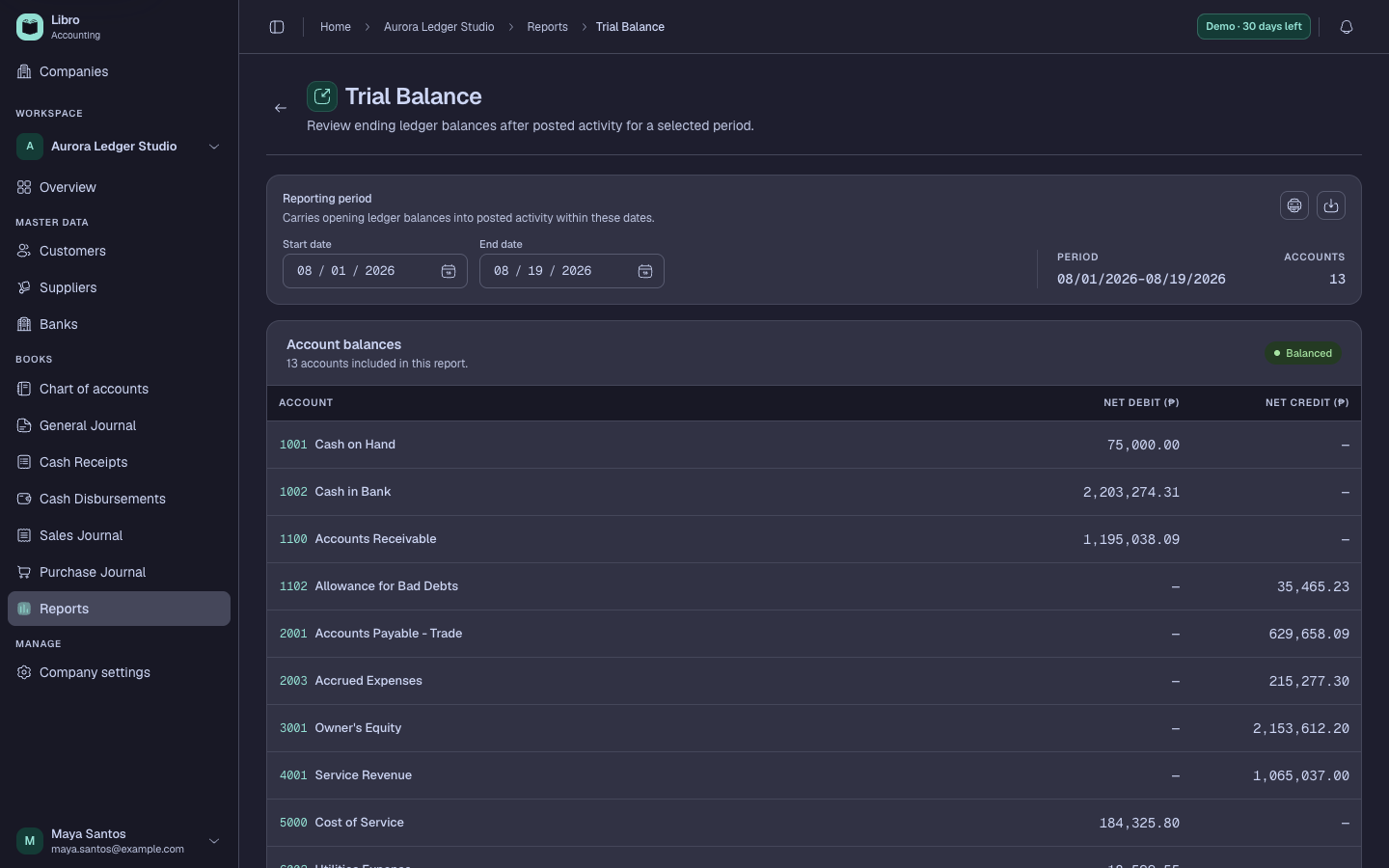
- Choose Excel when the recipient needs sortable detail or PDF when the presentation must remain fixed.
- For vouchers or loose-leaf books, select the supported print or export action from the relevant journal.
- In the print preview, check the print settings: paper size, orientation, scale, margins, page breaks, and background graphics.
- Confirm the company name, period, currency, generation date, logo, and signatories remain visible.
- Save with a versionable name such as
mabuhay-trial-balance-2026-09-30.pdfand store it under the company’s retention policy.
Check your work
Open the downloaded file independently. Verify the first page context, final page, totals, page count, and signatures before sending or printing it.
Common mistakes
- Exporting before setting the period and assuming the filename proves the cutoff.
- Printing long tables in portrait when columns are clipped.
- Reusing an old export after the books changed; exports are snapshots, not live files.