Record business activity · 7 min
Record sales and purchases
Track invoice activity in the Sales Journal and Purchase Journal before settlement.
Before you start
Create the customer or supplier first and have the invoice date, number, terms, line amounts, VAT treatment, allocations, and any deductions ready. Use these journals for credit activity; use cash books for immediate collections and payments.
Record the invoice and settlement trail
- Open Sales Journal for customer invoices or Purchase Journal for supplier bills.
- Choose New, select the party, and enter the source document date, invoice or reference number, and terms.
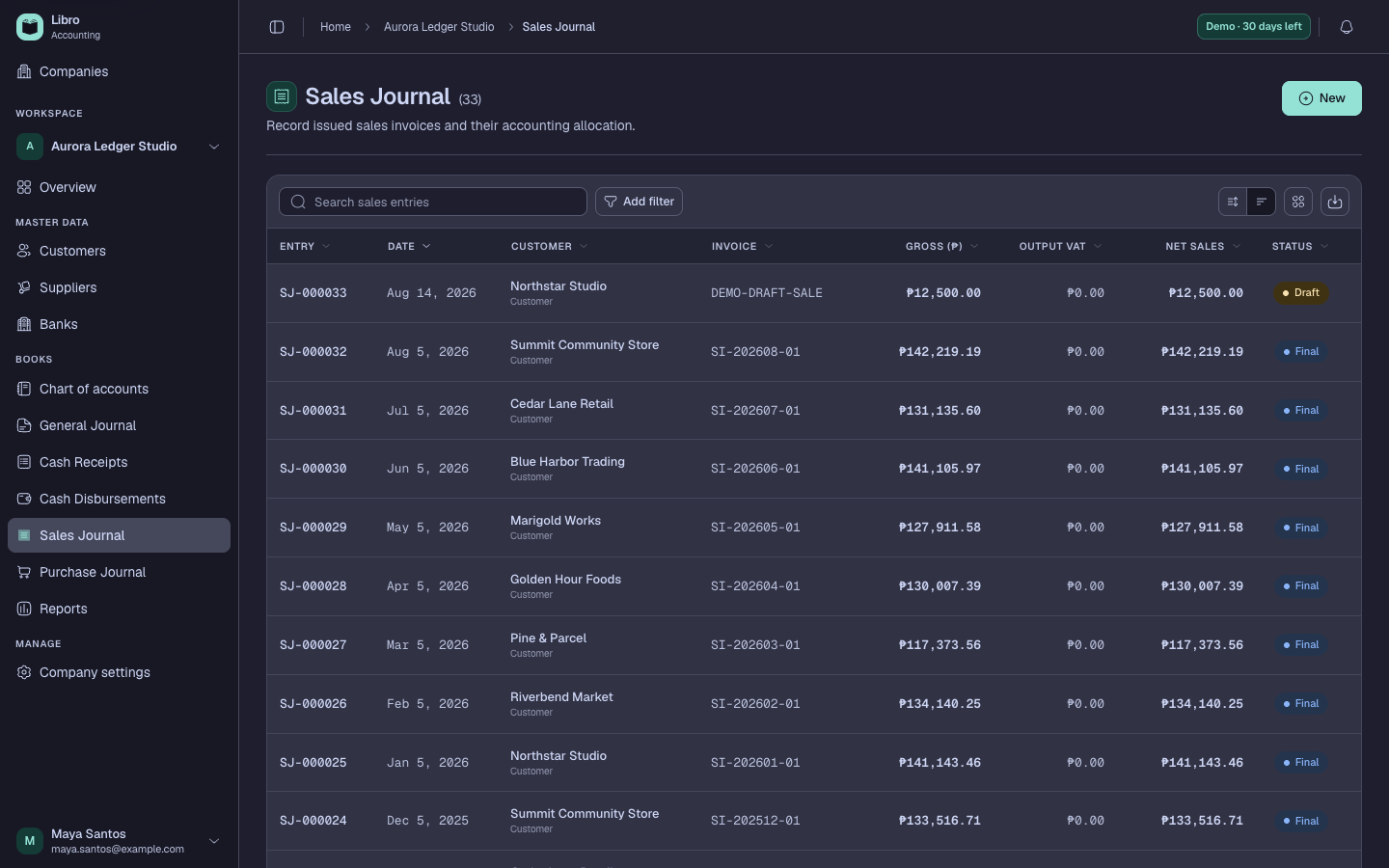
- Add the revenue, purchase, inventory, cost, or other account allocations that explain the document.
- Review VAT, withholding or other deductions, debit-credit effect, and the resulting receivable or payable.
- Save as Draft and compare the party, dates, reference, gross amount, tax, and accounting preview with the invoice.
- Post the invoice when it should affect reports and the customer or supplier ledger.
- Record the later collection in Cash Receipts or payment in Cash Disbursements and allocate it to the open item.
Check your work
The invoice should appear in the party ledger as open activity, and the later settlement should reduce the same balance without duplicating revenue or expense.
Common mistakes
- Recording a credit invoice directly in cash books before cash moves.
- Posting the invoice and settlement both to revenue or expense.
- Cancelling a valid historical invoice when a correction should preserve the trail.