Record business activity · 5 min
Manage business records
Keep the people and institutions used by journals accurate and easy to find.
Before you start
Gather the legal or display name, TIN, contact details, address, terms, and opening balance information that the workflow actually needs. Search Libro first so one party does not end up with fragmented ledgers.
Create or import records
- Open Customers, Suppliers, Banks, or Members in the active workspace.
- Search by name, TIN, member number, or account number before choosing New.
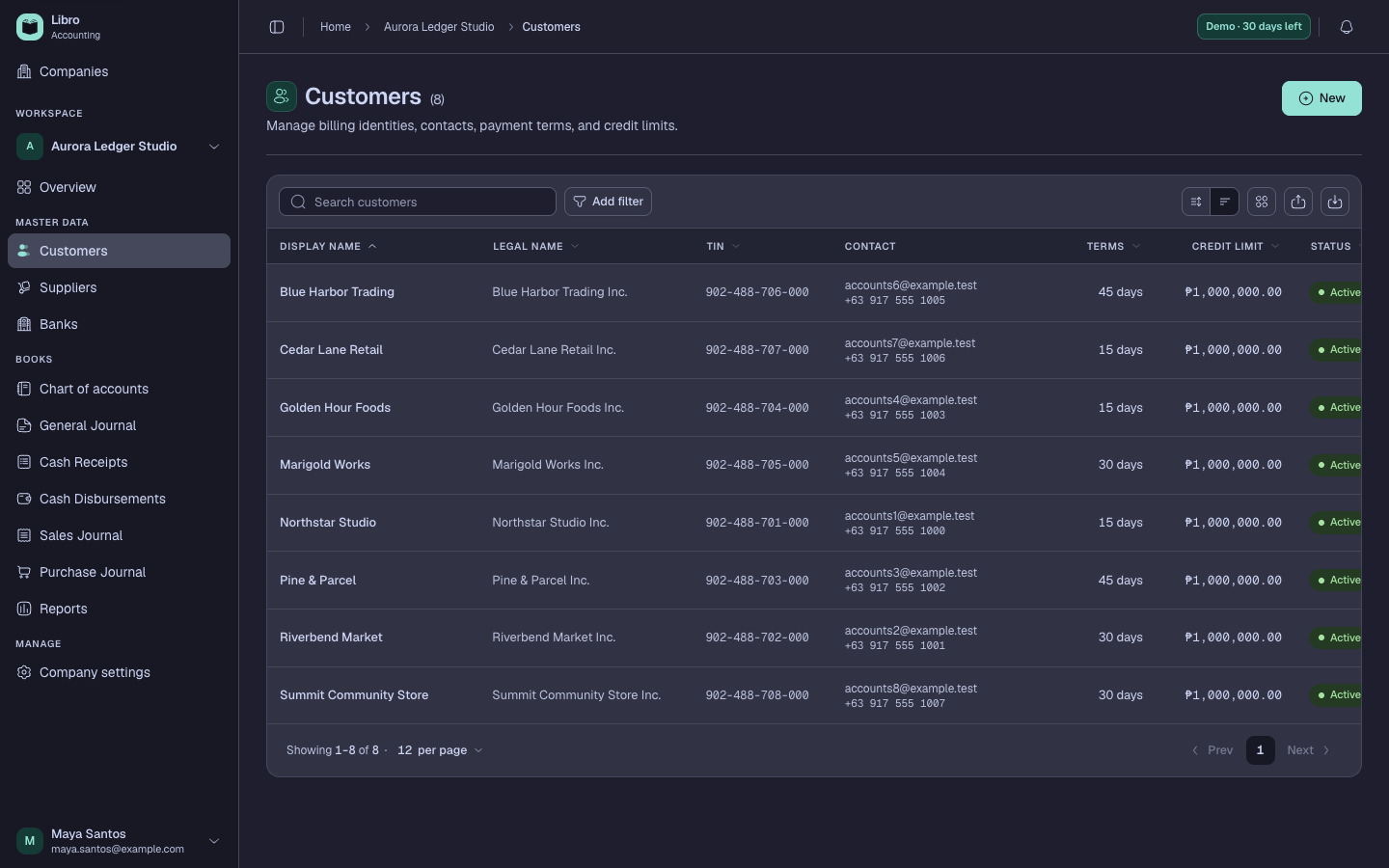
- Enter the name exactly as it should appear on source documents and reports, then add the available tax and contact details.
- For banks, connect the record to the intended cash account. For members, use a unique member number and membership date.
- For spreadsheet imports, download the Libro template, preserve the headers, validate a small sample, and correct every rejected row before continuing.
- Open the saved record and confirm its ledger, terms, status, and identifiers.
- Deactivate an obsolete record only after reviewing open activity; historical transactions keep their recorded context.
Check your work
Search for the new record and select it in a draft transaction. The party name and ledger should be available without creating another duplicate.
Common mistakes
- Confusing company Members used in bookkeeping with collaborators who can sign in.
- Creating several spellings of the same customer or supplier.
- Connecting a bank to a revenue or expense account instead of a cash account.