Record business activity · 7 min
Use the general journal
Create balanced entries and control when they begin affecting the books.
Before you start
Use the General Journal for adjustments, accruals, corrections, opening entries, and activity that does not belong in a specialized cash, sales, or purchase journal. Keep the source document and intended debit-credit effect ready.
Create and post an entry
- Open General Journal and choose New entry.
- Enter the accounting date, reference, and a description another reviewer can understand.
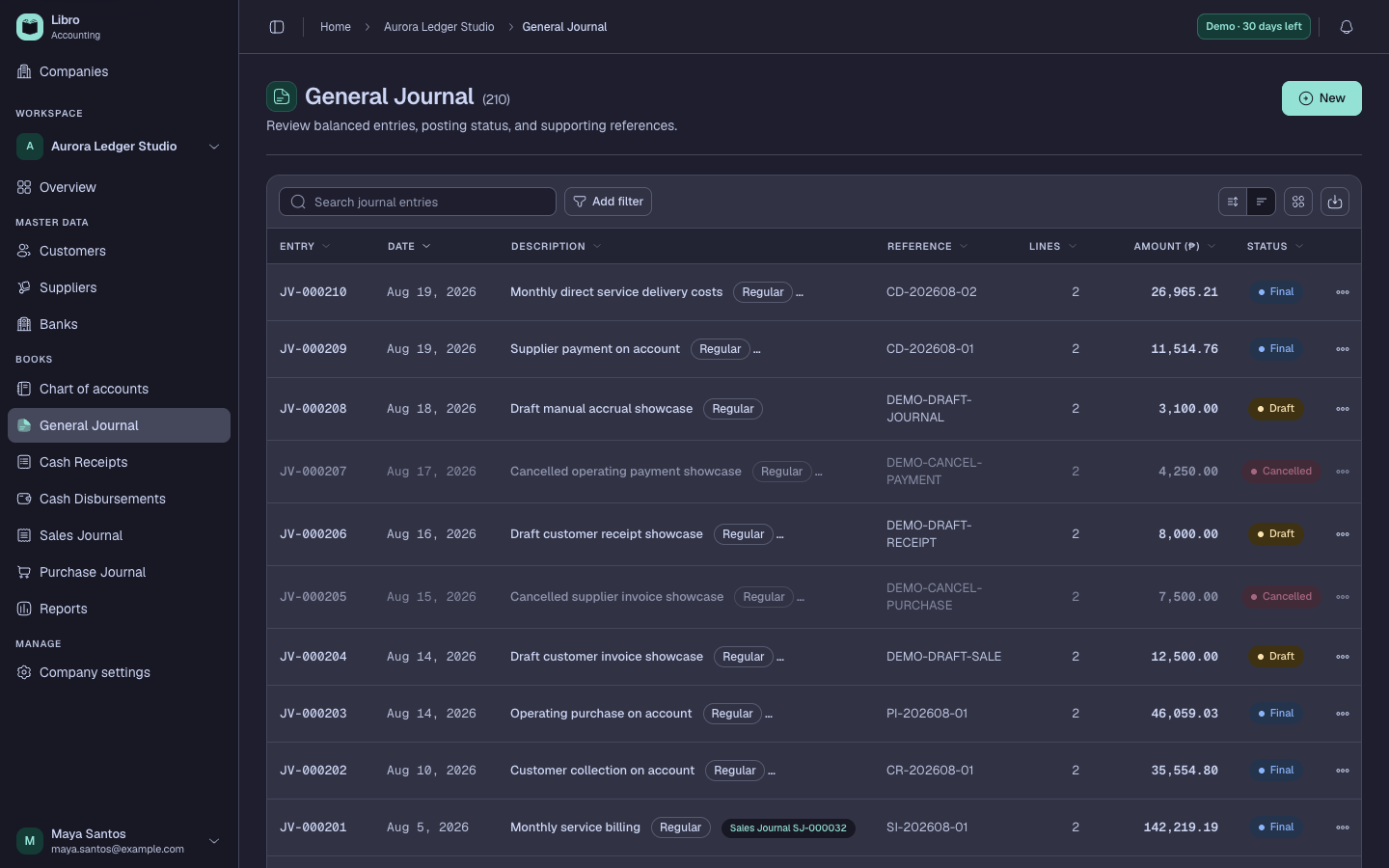
- Add at least two lines and choose the correct account for each economic effect.
- Enter debit and credit amounts until the difference is zero.
- Save as Draft, reopen the entry, and compare every line with the source document.
- Choose Post when the entry should affect ledgers and reports; choose Final only when the work is complete and should be locked.
- Open Record history to confirm creation, edits, posting, finalization, or the transition to Cancelled.
Check your work
Total debits must equal total credits. A Draft should not affect report balances; a Posted or Final entry should appear in the account ledgers for its accounting date.
Common mistakes
- Using the General Journal for a cash, invoice, or purchase workflow that needs party and allocation detail.
- Posting to the right account in the wrong debit-credit direction.
- Editing completed history when a documented correcting entry is more appropriate.