Start with Libro · 3 min
Choose or create a company
Use the company directory to open your work, accept invitations, or explore a demo company.
Before you start
Decide whether you are entering real records, joining an existing team, or only exploring Libro. Every company is a separate accounting workspace; its chart, journals, reports, members, and settings never mix with another company.
Open the right workspace
- Sign in and confirm you are on the Companies page.
- Look under My companies for workspaces you own and Shared with me for companies where you collaborate.
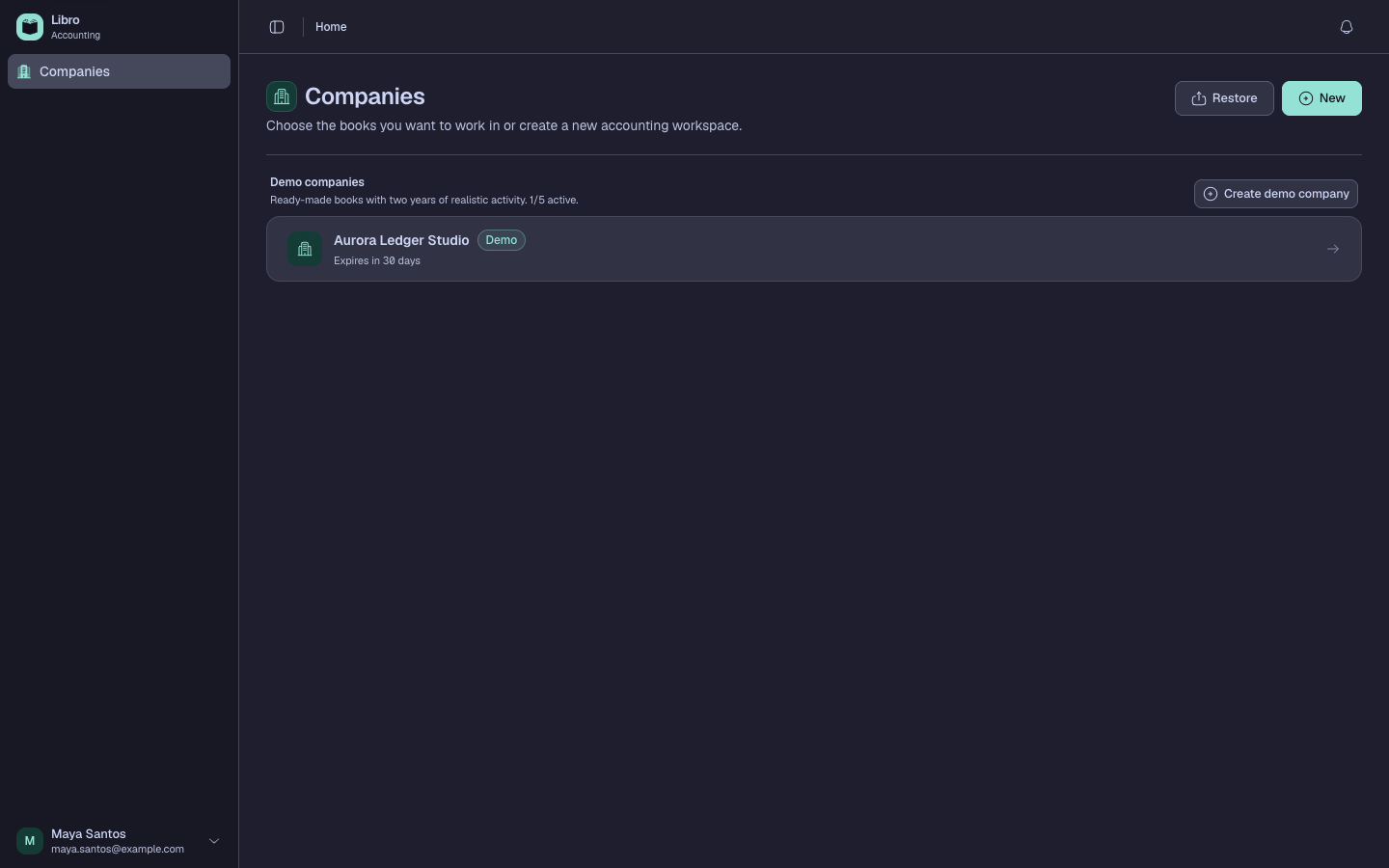
- Select a company card to open it. Confirm the company name in the workspace switcher before recording anything.
- To join a shared company, open the invitation sent to your Libro email and confirm the company name and offered role.
- To explore safely, choose Create demo company and follow the wizard. Demo data is fictional and expires after the period shown in Libro.
- To start real books, choose Create company and prepare the registered identity and accounting choices described in the next guide.
Check your work
The workspace name should appear in the sidebar and breadcrumb. Returning to Companies should show the same workspace in the correct owned or shared section.
Common mistakes
- Recording in the first card you see without checking the workspace name.
- Treating a demo company as permanent storage for real accounting data.
- Assuming a collaborator role applies to every company; access is granted per workspace.
Next, set up a company or navigate your workspace.