Manage Libro · 4 min
Choose a plan and manage billing
Compare Libro plans and keep subscription ownership and payment details clear.
Before you start
Count the standard companies or branch workspaces, collaborators, and VAT or loose-leaf workflows you need. Demo companies are temporary and separate from those standard workspace limits.
Choose and manage a plan
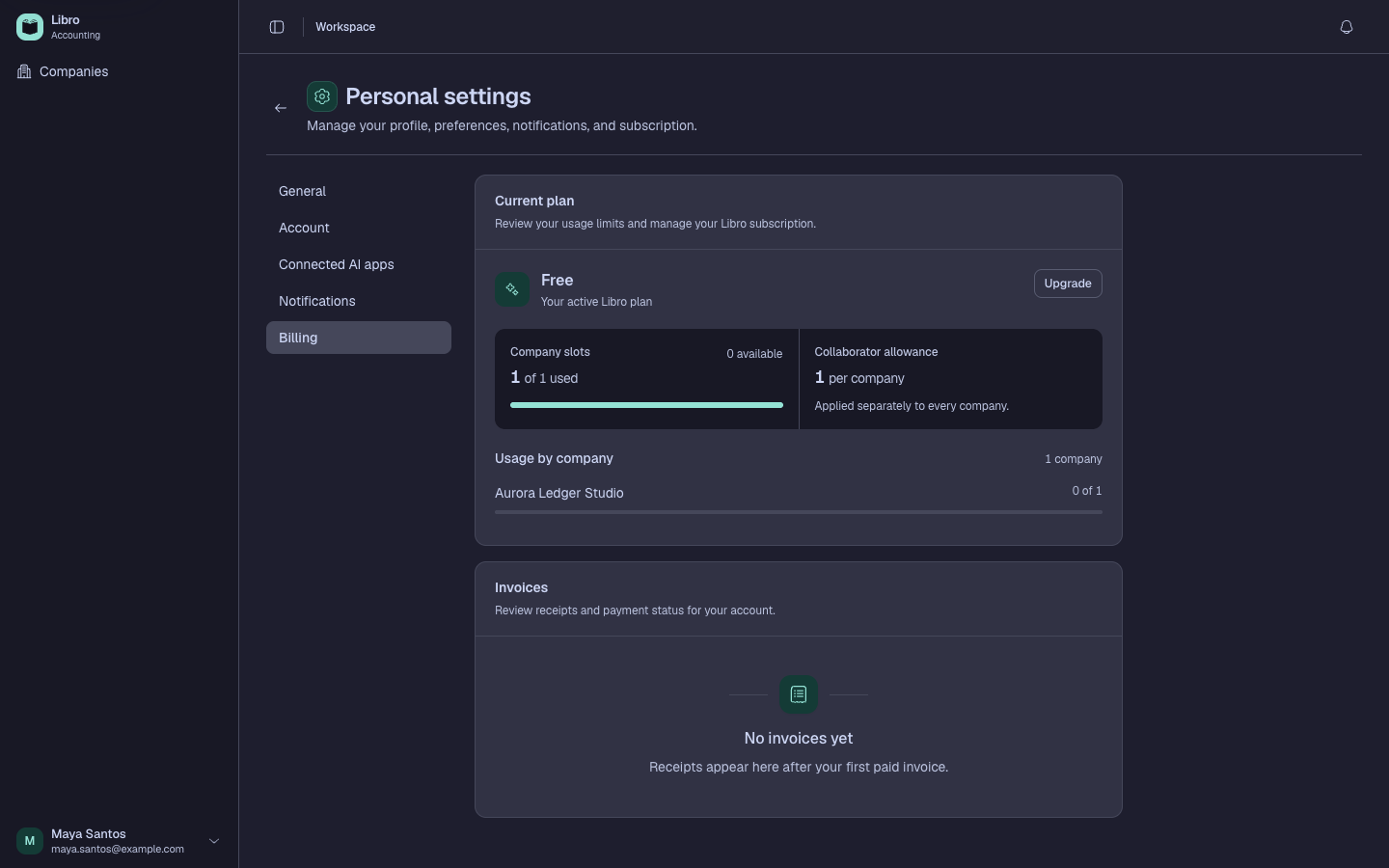
- Open Billing from the account menu and note the current plan and renewal state.
- Compare Free, Pro, and Max using the current pricing page as the authoritative feature and limit source.
- Choose based on standard companies, branch workspaces, collaborators, tax-book exports, and connected AI requirements.
- Confirm the billing account, interval, amount, and available payment method before checkout.
- After payment, return to Billing and verify the plan, subscription status, and next billing date.
- Save invoices or receipts under the company’s record policy and keep the billing contact current.
- Before downgrading or cancelling, compare current usage with the target limits and export or back up required data.
Check your work
Billing should show the intended plan and status, and an eligible workspace should expose the plan-specific features and limits without changing its accounting data.
Common mistakes
- Counting a branch label as part of another company when it is a separate workspace.
- Assuming a plan change replaces a company backup.
- Downgrading before resolving usage above the target limits.