Protect or close your data · 5 min
Back up and restore a company
Create a portable company backup and validate a restoration safely.
Before you start
Use an owner-authorized account and an access-controlled storage location. A Libro JSON backup may contain personal and financial data, so handle it under the company’s retention and security policy.
Download and validate a backup
- Open Company settings → Data & backup in the intended workspace.
- Choose Create backup and wait for Libro to prepare the JSON file.
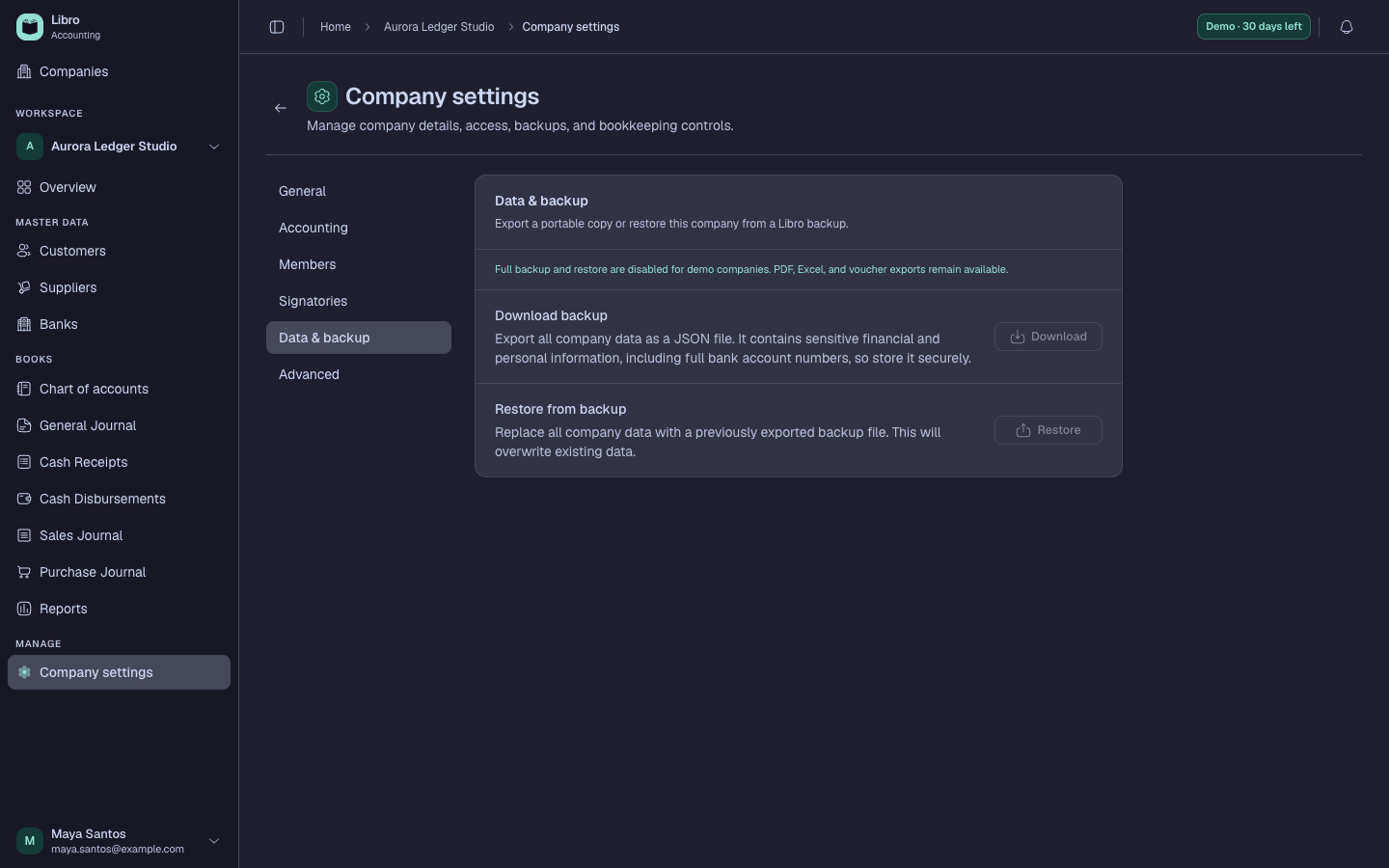
- Download the file and rename it with the company and date without changing the
.jsonextension. - Store it in an access-controlled location separate from the working device.
- Before a restore, create a fresh backup of the current state and keep active users out of the workspace.
- Select the correct target and backup file, read the restore summary, and proceed only when both match the intended company and date.
- After restoration, compare record counts, the Trial Balance, party ledgers, recent activity, and reporting dates with the source backup.
Check your work
The restored workspace should reconcile to the expected Trial Balance and entity balances. Open several recent source records to confirm their lines, status, and history are intact.
Common mistakes
- Emailing an unencrypted backup casually.
- Restoring without first preserving the current state.
- Treating a JSON data backup as a replacement for signed reports or source documents.